.png?w=1600&h=900)
If you’re new to sublimation printing, one of the first questions you’ll run into is:
Do I need a special sublimation printer, or can I use a regular inkjet printer?
The short answer:
You can convert some regular printers for sublimation, but the most straightforward and beginner-friendly option is to use a dedicated sublimation machine designed for sublimation workflows.
The Easiest Option: Use a Dedicated Sublimation Printer
The most direct way to start sublimation printing is to buy a printer designed specifically for sublimation. These machines are optimized for sublimation dye inks and the sublimation workflow, so you don’t need to worry about ink compatibility or system tweaks—just use sublimation paper and your heat press to transfer designs.
Many beginners start with mainstream brands like Epson’s SureColor series or Sawgrass because supplies, tutorials, and support are easier to find when learning sublimation printing. This setup reduces friction for beginners and is more stable for long-term use, especially if you plan to print regularly for small business projects.
How to Choose a Sublimation Printer
Here are four practical factors to consider when choosing a sublimation printer:
- Brand & Support
Choose a mainstream brand with stable supply chains and customer support. Sublimation ink can dry out if a printer isn’t used regularly, which may cause clogging over time. Having access to parts, manuals, and support makes troubleshooting much easier.
- Print Size (A4 vs A3)
Think about the size of designs you plan to print:
- A4 is sufficient for small items like coasters, keychains, and most designs.
- A3 gives you more flexibility for larger prints and printing multiple designs on one sheet.
- Ink System (4-Color vs 6-Color)
Ink configuration affects color accuracy:
- 4-color systems may show warmer or slightly red tones in some images.
- 6-color systems can reproduce around 90–95% of an image’s color range, resulting in smoother gradients and more accurate tones.
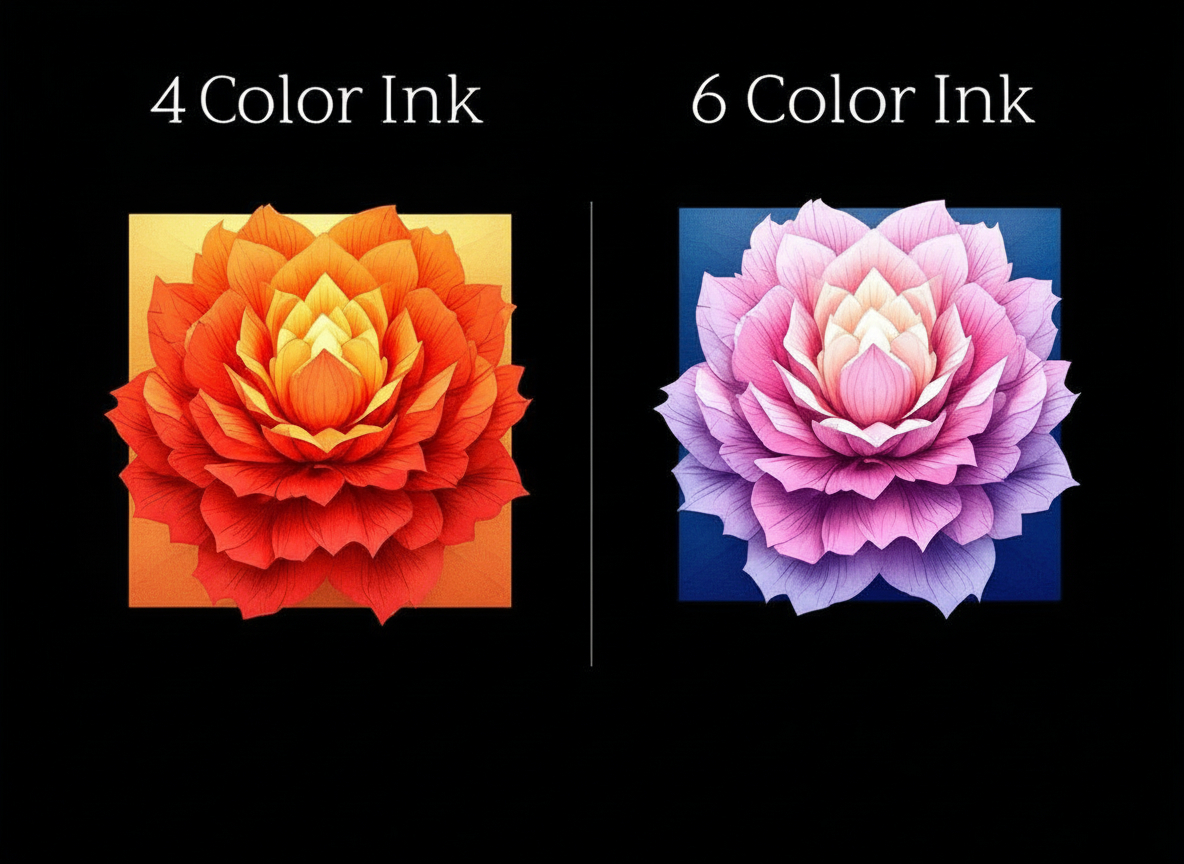
If you’re confused by why colors look different on paper compared to the final result, this explains why sublimation prints look dull before heat pressing and what beginners should expect.
- Budget & Usage Frequency
Match your budget to how often you’ll print:
- Occasional use / learning → entry-level printers can work.
- Commercial use / frequent printing → higher-end models offer better stability, consistency, and durability.
Can Regular Inkjet Printers Be Used for Sublimation?
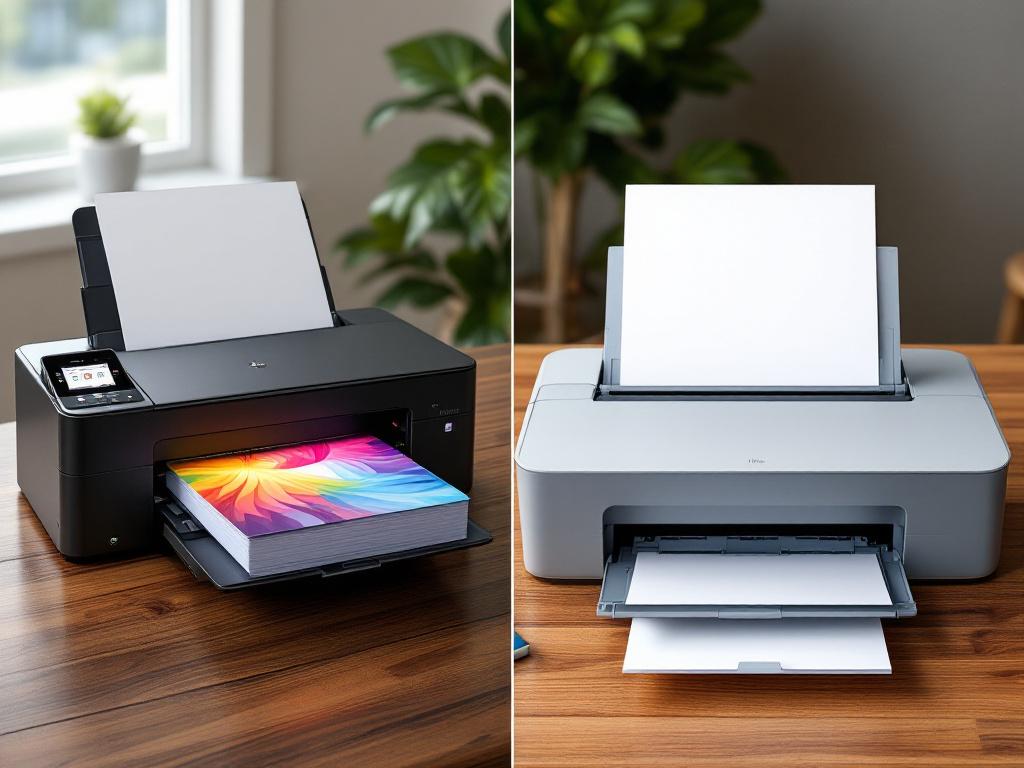
You may hear that regular inkjet printers can be converted for sublimation by switching to sublimation ink and using sublimation paper. This is technically possible with some models, but there are trade-offs:
- Once you fill a printer with sublimation ink, it’s not practical to switch back to regular ink.
- Regular printers are not designed or optimized for sublimation ink.
- Sublimation inks have different viscosity and drying behavior, which can lead to more frequent clogging if the printer isn’t used regularly.
- Manufacturer support and warranties typically don’t cover sublimation use on regular printers.
- Converted printers can work for some users, but for beginners, dedicated sublimation printers are usually more reliable and less frustrating in the long run.
A Simple Recommendation for Beginners
If you want the smoothest learning curve for sublimation printing, start with a dedicated sublimation printer. You’ll spend less time dealing with setup issues and more time learning the actual workflow with your heat press.
If you want a clear learning path and avoid months of trial and error, here’s how to learn sublimation faster as a beginner.Once you understand the process, you’ll also be in a better position to decide whether converting a regular printer makes sense for your setup and budget.