.png?w=1600&h=900)
When I first started sublimation printing, I remember holding my first printed design and feeling uneasy. The image looked dull, grey, and nothing like what I saw on my screen. At that moment, my first thought was simple:
If it already looks like this on paper, won’t it look the same after heat pressing?
Since then, I’ve heard this exact concern again and again from beginners who reach out to me. That’s also why many people start wondering is sublimation hard for beginners, even before they finish their first project.
Why Sublimation Prints Look Dull on Paper
Many beginners search for things like sublimation print faded or sublimation colors before heat press, assuming something went wrong during printing. But here’s the key point: Sublimation prints are supposed to look dull before heat pressing.
This happens because sublimation uses sublimation dye, which behaves very differently from regular ink. When a design is printed onto sublimation paper, the dye is still inactive. At this stage, the colors appear muted and flat.
The transformation only happens when heat is applied. During pressing, the dye turns into gas and bonds with polyester fibers or coated surfaces — including most sublimation blanks. Once the material cools down, the dye solidifies inside the material, and that’s when the colors fully appear.
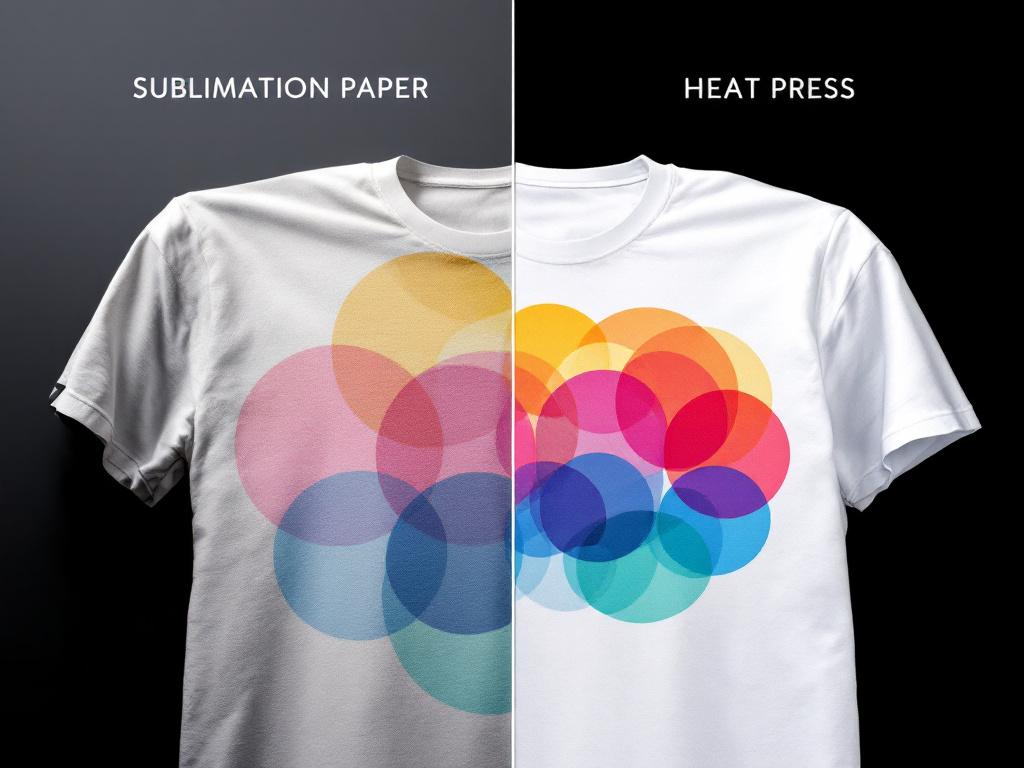
Sublimation Is Not Heat Transfer Printing
A lot of confusion comes from mixing up sublimation with other printing methods. With heat transfer or vinyl, what you see before pressing is very close to the final result because the ink or material sits on top of the surface. Sublimation works differently — the color becomes part of the material itself.
That’s why judging sublimation results based on how the print looks on paper often leads beginners to unnecessary worry. Understanding this difference is also one of the key reasons many people are able to learn sublimation faster once they stop comparing sublimation to other printing methods.
Why Some Colors Look Warmer or Red After Pressing
Another question I often see, especially in Facebook groups, is why some sublimation results — particularly on small items — appear slightly red or warm. In many cases, this isn’t caused by the heat press. It’s related to the printer’s ink system.
Entry-level sublimation printers that use four-color ink systems have a more limited color range, which can cause certain tones to shift warmer after heat is applied. Printers with six-color ink systems can generally reproduce around 90–95% of an image’s color range, resulting in smoother gradients and more accurate tones. Systems with even more colors can perform even better.
This doesn’t mean a four-color printer is wrong. Many beginners use machines like the Epson SureColor F170 sublimation printer, which is designed specifically for sublimation. Understanding your equipment’s capabilities simply helps set more realistic expectations for color output.
What Beginners Should Expect Before Heat Pressing
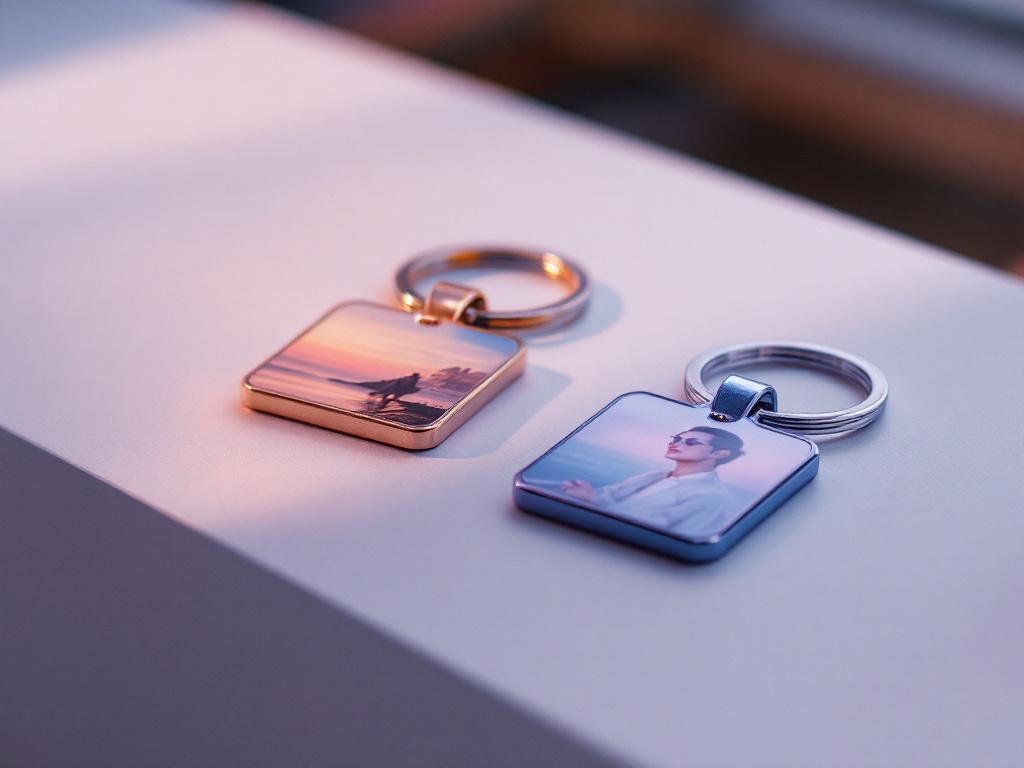
If you’re new to sublimation and your printed design looks dull, don’t panic. Muted colors before pressing are a normal part of how sublimation printing works. Color differences after pressing are often influenced by ink systems, materials, and equipment — not mistakes.
Once beginners understand this, sublimation stops feeling confusing or intimidating. It isn’t difficult — it just requires the right expectations at the right stage.